


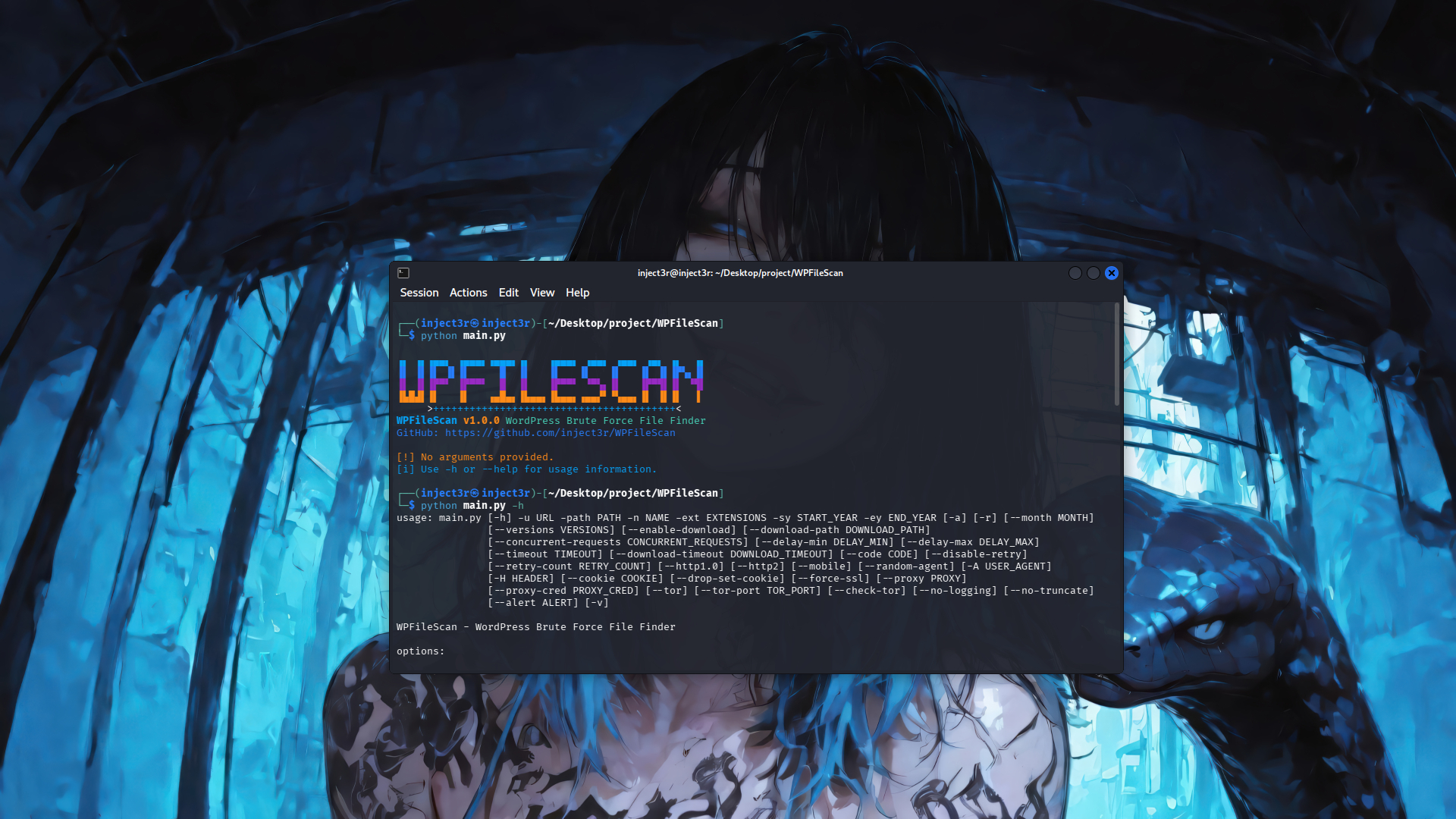
WPFileScan is an open source penetration testing tool that automates the process of discovering WordPress uploaded files through intelligent brute force techniques. It comes with a powerful name variation engine, support for multiple file extensions, concurrent request handling, resume functionality, and a broad range of features including proxy support, Tor anonymity, custom headers, and file download capabilities.
You can download the latest tarball by clicking here or latest zipball by clicking here.
Preferably, you can download WPFileScan by cloning the Git repository:
git clone --depth 1 https://github.com/inject3r/WPFileScan.git
cd WPFileScan
pip install -r requirements.txt
WPFileScan works out of the box with Python version 3.8+ on any platform.
To get a list of basic options and switches use:
python main.py -hTo get a list of all options and switches use:
python main.py -hhpython main.py -u https://example.com -path /wp-content/uploads -n backup -ext .zip,.rar -sy 2022 -ey 2026python main.py -u https://example.com -path /wp-content/uploads -n backup -ext .zip -sy 2022 -ey 2026 --month 7 --month 12python main.py -u https://example.com -path /wp-content/uploads -n backup -ext .zip -sy 2022 -ey 2026 --versions "1.0.1,1.3.3,1.0.0"python main.py -u https://example.com -path /wp-content/uploads -n backup -ext .zip -sy 2022 -ey 2026 --enable-downloadpython main.py -u https://example.com -path /wp-content/uploads -n backup -ext .zip -sy 2022 -ey 2026 -rpython main.py -u https://example.com -path /wp-content/uploads -n backup -ext .zip -sy 2022 -ey 2026 --proxy socks5://127.0.0.1:1080python main.py -u https://example.com -path /wp-content/uploads -n backup -ext .zip -sy 2022 -ey 2026 --torgit clone https://github.com/inject3r/WPFileScan.git
cd WPFileScan
docker build -t wpfilescan .
docker run --rm wpfilescan -u https://example.com -path /wp-content/uploads -n backup -ext .zip -sy 2022 -ey 2026- Brute force scanning of WordPress uploads directory
- Support for multiple file extensions (.zip, .rar, .7z, .tar.gz)
- Name variations with priority ordering (simple names, numbers, versions)
- Date-based scanning (year and month)
- Concurrent requests with configurable threads
- Resume functionality with progress saving
- File download capability
- Proxy support (HTTP, HTTPS, SOCKS5)
- Tor anonymity network support
- Custom headers and cookies
- Random User-Agent rotation
- Mobile User-Agent emulation
- Verbose logging
- Colored console output
- Log files without ANSI colors for clean reading
- Organized logs per domain
The tool generates name variations in the following priority order:
- Simple names - No numbers, no versions (e.g.,
backup,Backup,BACKUP) - Names with numbers - 1-10 in various formats (e.g.,
backup-1,backup1,backup (1)) - Names with versions - Version numbers from config (e.g.,
backup-1.0.1,backup1.0.1) - Combined - Version + number (e.g.,
backup-1.0.1-1,backup1.0.1-1)
This project is licensed under the MIT License - see the LICENSE file for details.
This tool is for educational and authorized testing purposes only. Use responsibly and only on systems you have permission to test. The authors are not responsible for any misuse or damage caused by this tool.