Skip to content

Folders and files

NameName
Last commit message
Last commit date

Latest commit


History

133 Commits


Repository files navigation

ProSpotify

Theme for Spicetify based on DefaultDynamic and Hazy with Auto-Update
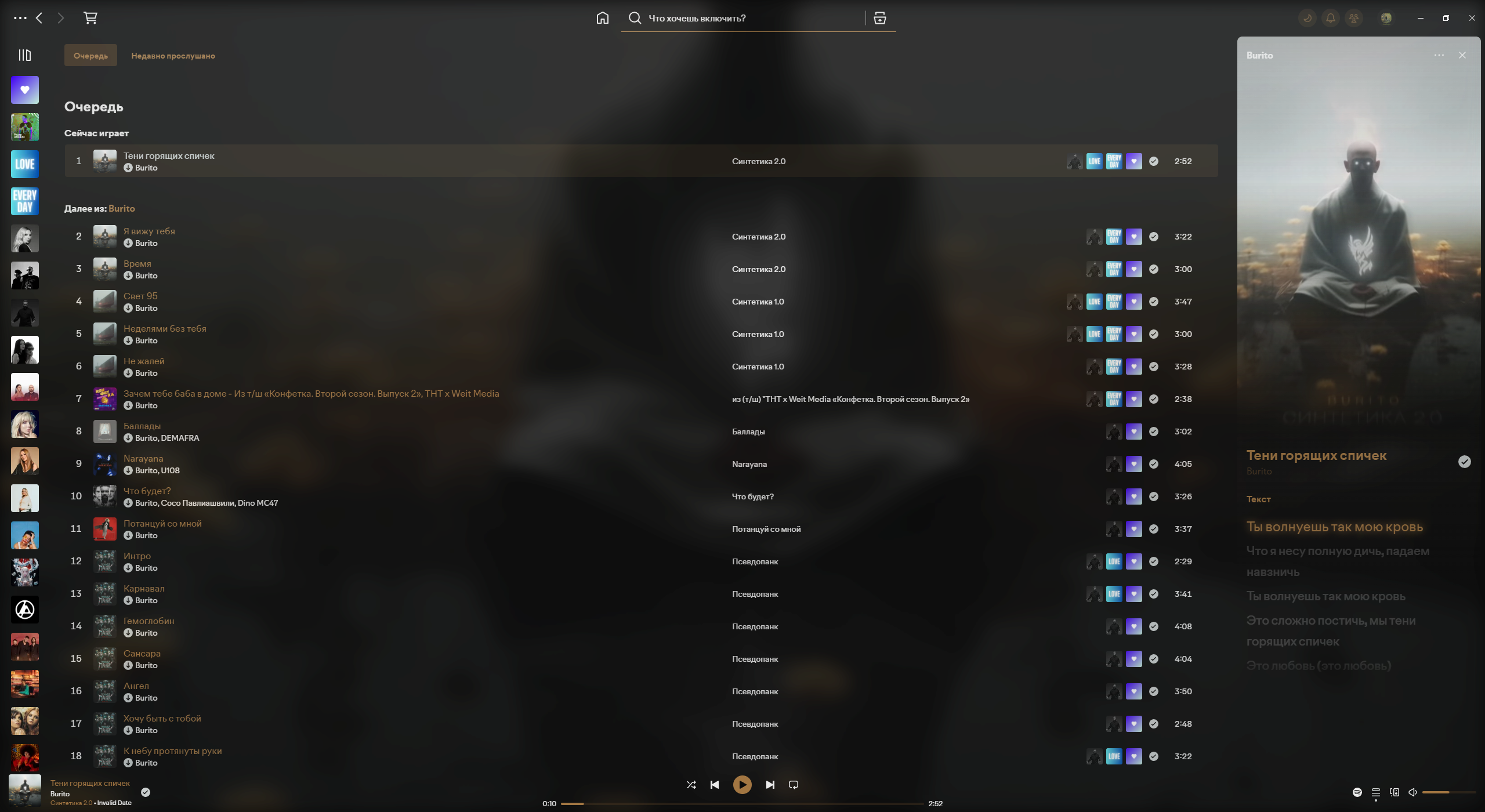
Preview

Preview

Install / Update

  1. Download ProSpotify
  2. Copy content folder Themes to your folder Spicetify/Themes
  3. Add the 2 lines in [Patch] section of the config file (see details below)
  4. Run file Install Theme
[Patch]
xpui.js_find_8008 = ,(\w+=)32,
xpui.js_repl_8008 = ,${1}28,

About

Theme for Spicetify

Topics

Resources

Stars

3 stars

Watchers

1 watching

Forks

Releases

Contributors

Languages